
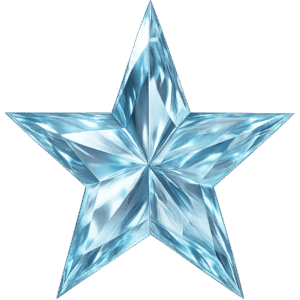
Description
| Property | Details |
|---|---|
| PNG Name | Crystal Star PNG |
| Format | PNG (Transparent) |
| Color | Crystal White, Reflective Facets |
| Resolution | 1800 × 1800 pixels |
| File Size | 2 MB |
| Style Type | Crystal, Faceted, Reflective, Premium Glow |
| Category | Star PNG |
| Related PNGs | Cute Sparkle Star PNG Rainbow Star PNG Cute Star PNG Gold Star PNG Doodle Star PNG |
| Theme | Fantasy, Crystal, Magical, Premium Shine |
| Use Cases | Fantasy art, YouTube thumbnails, game UI, magical effects, decorative titles, elegant posters |
| Background | Fully Transparent |
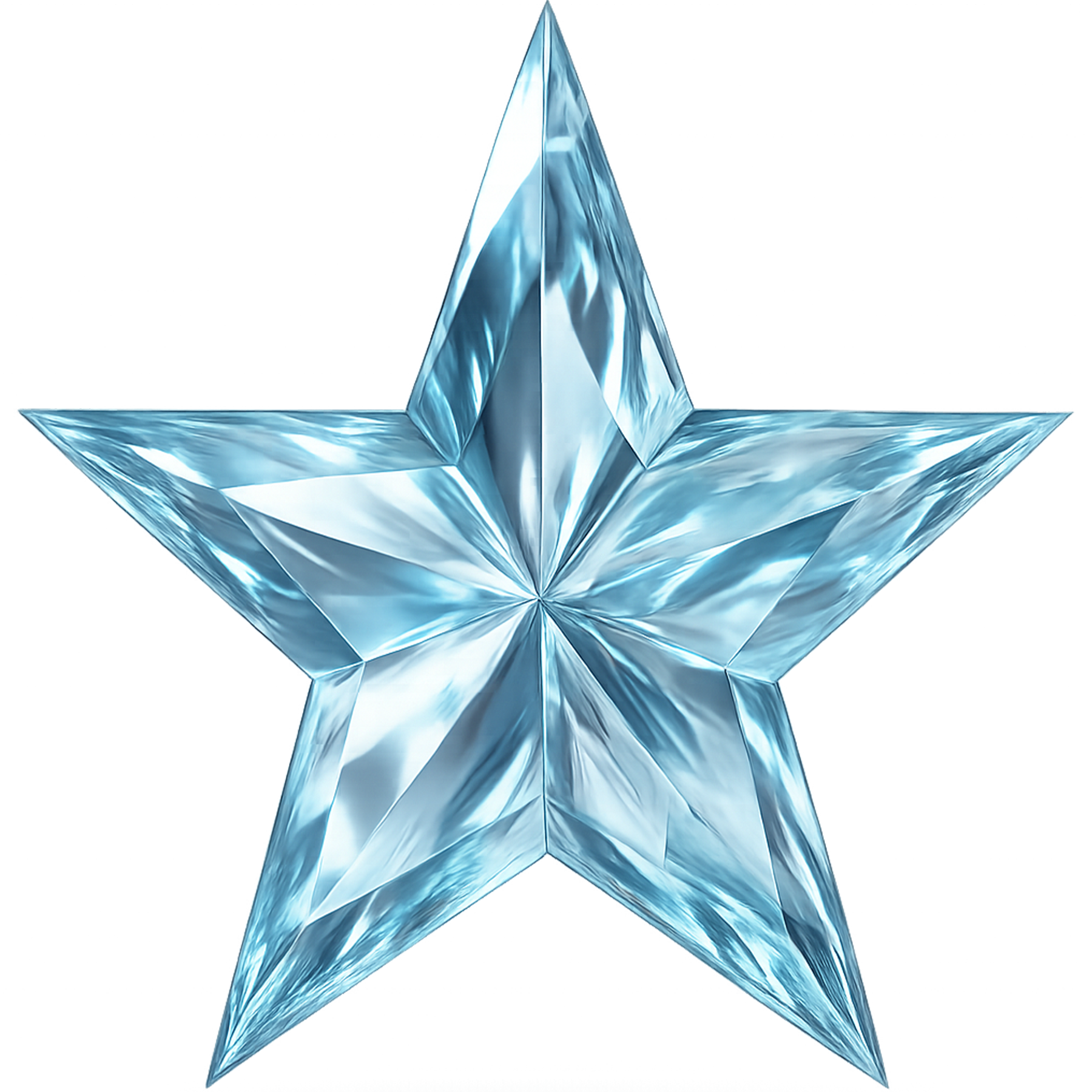
Crystal Star PNG – High-Detail Faceted Star for Fantasy Art, Thumbnails & Game UI
The crystal star PNG in this download is crafted to look like a polished crystal — sharp faceted edges, reflective surfaces, and a clean transparent background that makes it instantly usable in any design. If you need a refined, gem-like star that adds depth and premium shine to a layout, this file is built exactly for that purpose. It’s perfect for fantasy artwork, premium YouTube thumbnails, game UI elements, magical effects, decorative titles, and elegant poster designs.
Why this crystal star PNG works so well
There’s a specific visual language that faceted, reflective shapes speak — value, rarity, magic, and refinement. A crystal star carries those signals in a compact, readable form. Unlike flat icons, the faceted surfaces reflect simulated light, giving the impression of volume and craftsmanship. This makes the PNG a versatile asset for creatives who want to add a premium touch without spending time on 3D modelling or advanced lighting.
Designers and creators commonly use faceted stars as:
- Reward badges in game UIs
- Magic or power icons in fantasy art
- Decorative flourishes in poster headers
- Premium thumbnail accents on YouTube
- UI counters and progress indicators
Because the file is a high-resolution PNG at 1800 × 1800 pixels with a clean transparent background, it works equally well in full-size posters and small UI sprites. The faceted detail remains crisp whether you scale it up for print or scale down for icons.
Design benefits — practical & technical
When you work with high-detail assets, several technical qualities matter a lot: edge clarity, transparency quality, tonal transitions, and how the highlight zones hold up under compression. This crystal star PNG was prepared with those needs in mind. The facets have clean transitions that avoid banding, highlights are placed to suggest believable reflection, and the transparency is crisp so you won’t find halos or color-bleed on darker backgrounds.
Because of this attention to technical detail, the star behaves predictably in editing apps like Photoshop, Canva, After Effects, and Procreate. Add a soft glow, duplicate layers for a reflection effect, or animate a subtle spin — the asset will retain its visual integrity throughout the process.
Real-world use cases and examples
Here are some concrete ways you (or clients) might use the crystal star:
1. Fantasy artwork & game visuals
Place the star over a magical staff, use it as a collectible reward icon, or integrate it into spell visualizations. The faceted silhouette reads well even when layered over complex backgrounds, which is crucial in game UIs or textured fantasy scenes.
2. Premium YouTube thumbnails
A subtle crystal sparkle near the title or next to the main subject gives thumbnails an immediate premium feel. Try placing the star near the viewer’s eye line or next to ‘Top 10’ badges — it draws attention without overpowering key elements.
3. Game badges and UI icons
In progress screens or achievement popups, use this star as a rarity indicator. The crystalline structure communicates value more clearly than flat gold shapes because it suggests cut surfaces and reflective depth — often read as higher tier or rarity in game design.
4. Elegant posters & decorative titles
Use the star as a decorative upright or as a repeated motif in a border. It pairs especially well with serif or refined display fonts. Add a slightly darker inner glow for printed posters or a subtle outer glow for on-screen layouts.
How to use the crystal star in common editing apps
Photoshop: Place the PNG on a new layer, experiment with blend modes like Screen or Overlay for glow effects, and add layer styles such as subtle bevel/emboss for extra depth. Duplicate and use a low-opacity duplicate as a reflection layer if you want a polished look.
After Effects: Import as a PNG sequence if animating multiple star instances, or use it on a single layer with position and opacity keyframes for a simple twinkle. Add subtle Gaussian blur to a duplicate and set to Screen to create bloom.
Canva & mobile apps: Drag-and-drop ready: the transparent background makes the PNG instantly usable. For quick edits, add a soft glow or shadow from the app’s effects panel and adjust the size for emphasis.
Visual pairing ideas
Want a fast way to create a theme around the crystal star? Pair it with related star assets to produce a layered set:
Cute Sparkle Star PNG
Rainbow Star PNG
Cute Star PNG
Gold Star PNG
Doodle Star PNG
Use the crystal star as a focal highlight and the other styles as accents or background elements. For example, a poster could use the crystal star centrally with small doodle stars in the margins and soft rainbow stars for color accents.
Why the texture and facets matter for perceived value
Humans associate faceted surfaces with gems, glass, and luxury. When you show light bouncing cleanly across triangular faces, the brain reads that as something crafted and valuable. This perception translates directly into click behavior on thumbnails and trust in promotional posters. A crystal star communicates “premium” without using words.
Technical summary & quick specs
- Filename: crystal-star.png (suggested)
- Format: PNG with full transparency
- Resolution: 1800 × 1800 px
- File size: 2 MB
- Style: Faceted crystal, reflective highlights, high-detail
- Use: Fantasy art, thumbnails, game UIs, posters, UI badges
Pro tips for designers
- If you’re placing the star on dark backgrounds, add a faint outer glow at low opacity to separate the star from the background and give it a soft halo.
- When using the star as a UI icon, keep its size consistent with other icons and test at small sizes (48px, 64px) to ensure facets remain readable.
- For animated sparkles, offset a duplicate star and fade its opacity to create a reflection trail.
- If you need color variation, duplicate and use Hue/Saturation or color overlays to create tinted crystal variants.
Final notes — flexible, premium, fast to use
This crystal star PNG is a compact, high-quality asset meant to give your projects a refined visual boost. It saves you time because the faceted detail is already modeled into a single raster image — no need for long renders or complex 3D work. Drop it into your next thumbnail, game UI, poster, or magical scene and watch how it elevates the perceived value and visual interest.









Reviews
There are no reviews yet.