
Description
Long Description (2400+ words in HTML)
Simple 2D Smartphone PNG Transparent Background Free Download
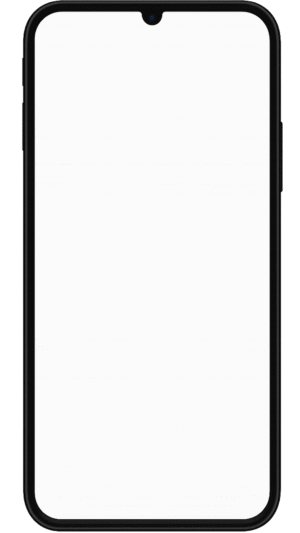
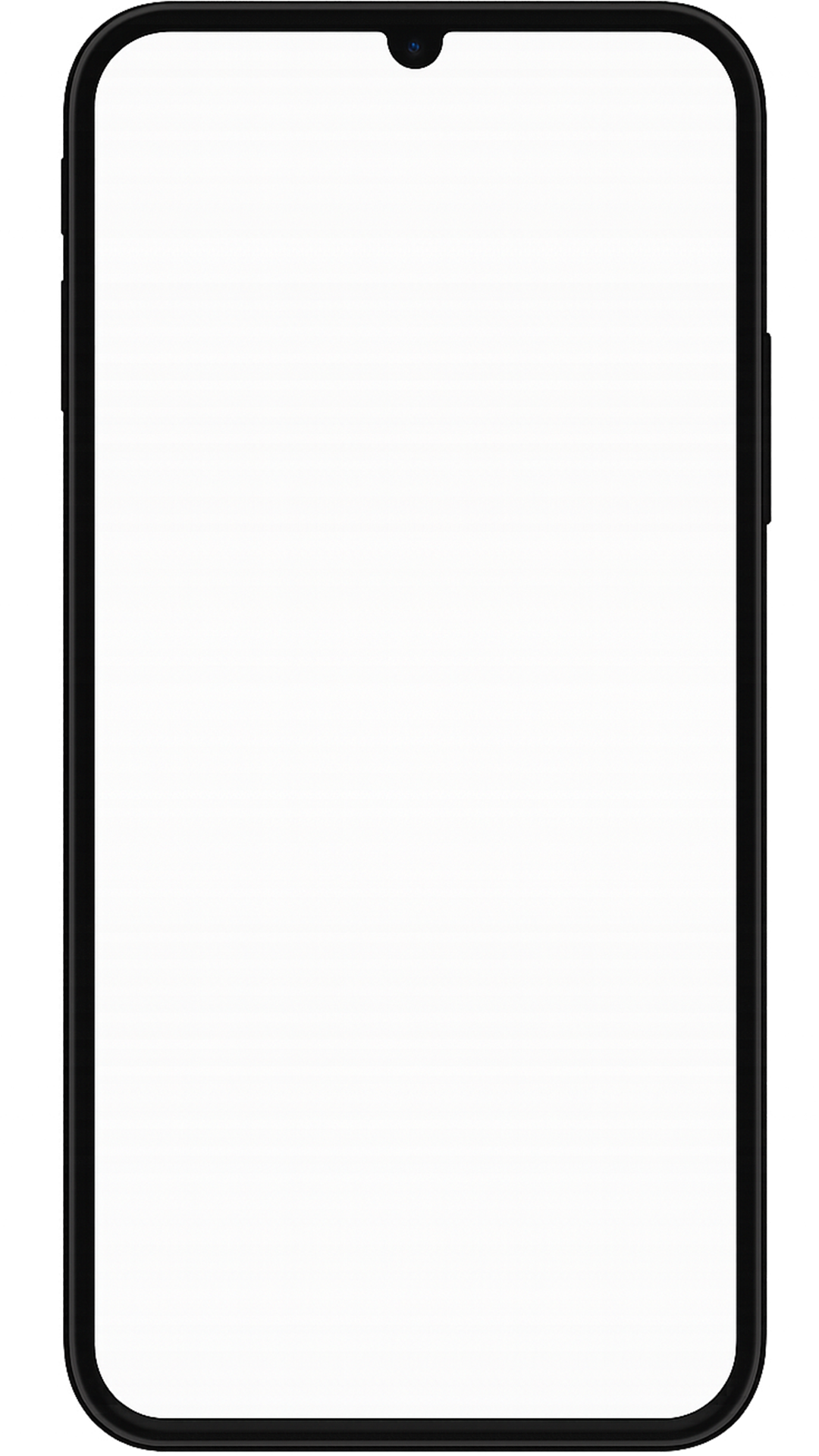
The Simple 2D Smartphone PNG from DehraFlicks is a clean, modern, and minimalist digital asset designed for creators who want a versatile and professional-looking smartphone graphic without any extra noise. With a fully transparent background and smooth vector-style edges, this PNG works beautifully across app mockups, social media posts, educational videos, and UI/UX design presentations.
Whether you’re a designer building an app showcase, a YouTuber explaining tech tutorials, or a marketer presenting a mobile-first concept, this Simple 2D Smartphone PNG offers the right blend of simplicity and sophistication. It’s ready to use instantly in any project — no cutouts, no background removal, no resizing issues.
Why This Simple 2D Smartphone PNG Is a Must-Have
Most smartphone visuals you find online are either overly realistic or too stylized. This Simple 2D Smartphone PNG was designed to find a balance — professional enough for clients, yet minimal enough to let your actual content shine. Here’s why it stands out:
- Transparent Background: Drop it anywhere without editing hassles.
- Vector-Style 2D Design: Crisp lines that retain clarity in any size.
- Perfect for UI Mockups: Showcase apps, websites, or interfaces easily.
- High-Resolution Quality: Optimized for HD and 4K projects.
- Neutral Colors: Works well with light or dark backgrounds.
Creative Use Cases for Simple 2D Smartphone PNG
1. App Mockups and UI/UX Design
Showcasing your app interface inside a phone frame instantly elevates presentation quality. The Simple 2D Smartphone PNG provides a neutral device outline, making your UI stand out. Combine it with shadow or reflection layers for depth.
2. Social Media Marketing
Marketers can use this PNG to showcase app previews, customer screenshots, or demo flows in carousel ads and posts. Pair it with text or animated overlays for maximum engagement. Similar creative tips can be found in our graphic design guide.
3. Video Thumbnails and Explainers
If you’re editing YouTube tutorials or product explainers, this Simple 2D Smartphone PNG fits perfectly in corner frames or motion graphics compositions. You can animate scrolling effects inside it using After Effects for a professional touch.
4. Presentations and Reports
Use this PNG in business presentations or app launch decks to highlight mobile versions of your service. Its minimal, distraction-free design ensures attention stays on your product, not the mockup itself.
5. Educational and Tech Content
Teachers, course creators, and online educators can use the Simple 2D Smartphone PNG to visually represent digital tools or explain UI interactions in tutorials. It adds context without cluttering visuals.
Technical Specifications
| Property | Details |
|---|---|
| File Type | PNG (Transparent Background) |
| Resolution | 1080 x 1920 pixels |
| File Size | 1.2 MB (optimized) |
| Color Mode | RGB, 16-bit |
| Design Style | Flat 2D, vector-inspired |
| License | Free for personal and commercial use |
| Creator | DehraFlicks Creative Studio |
Creator’s Note
This Simple 2D Smartphone PNG was born out of necessity during one of my freelance projects. I was creating a mockup for a client’s app, but every available smartphone PNG looked too flashy or unrealistic. I wanted something flat, minimal, and functional — a base that could complement any interface without overpowering it. That’s when I decided to design this one myself. I focused on achieving balance — sharp edges, neutral tones, and proportional bezels. What began as a quick personal project turned into one of my most-used assets. And now, it’s available for every designer, developer, and creative professional who believes simplicity often says more than complexity.
Design Tips: Getting the Best Out of Your Simple 2D Smartphone PNG
- Use inner shadow layers to give the device a subtle 3D illusion.
- Combine with gradient backgrounds for contrast.
- Add app screens inside the frame using clipping masks in Photoshop.
- Try duplicating and stacking at different angles to create a “gallery” layout.
- Explore our video editing guide for tips on compositing clean PNGs in videos.
Workflow Benefits and Performance
Like all DehraFlicks assets, this Simple 2D Smartphone PNG is optimized for speed and usability. It loads instantly in most editing software — Adobe Photoshop, After Effects, Premiere Pro, Canva, Figma, or even mobile apps like PicsArt. You don’t need to worry about background cutouts or jagged edges. Its pixel-perfect export ensures high quality at any scale, ideal for professional-grade visuals.
Pair This PNG With Related Assets
If you’re creating a full tech scene or app showcase, try pairing this Simple 2D Smartphone PNG with other free transparent PNGs from our library — like laptop mockups, social media logos, or clean gradient backgrounds. Together, they can create cohesive visuals that feel both branded and minimal.
Why Minimalist Assets Like This Matter
In modern design, minimalism is not about doing less — it’s about communicating more with clarity. The Simple 2D Smartphone PNG captures that essence perfectly. It provides a functional, reusable element that can adapt to any visual style. For designers building portfolios or educators creating tutorials, minimal design assets like this save time, reduce clutter, and improve consistency.
According to design research from Smashing Magazine, simplicity in visuals improves comprehension and retention — especially in digital learning and advertising contexts. That’s exactly the principle this PNG follows: clear design, better focus.
How to Customize Your Simple 2D Smartphone PNG
- In Photoshop or Canva: Add a clipping mask for your app screenshot.
- In After Effects: Use 3D layers to animate scroll or tap gestures inside the frame.
- In Figma: Overlay UI prototypes directly on the PNG for real-time previews.
- In DaVinci Resolve: Use it as a compositing layer to display motion app demos.
Practical Tips for Freelancers and Marketers
- Use this Simple 2D Smartphone PNG in your client presentations for better clarity.
- Create “coming soon” posts for mobile apps easily with this asset.
- Make tutorial thumbnails with the phone frame showing screen UI.
- Experiment with shadows and reflections for realism.
- Include this PNG in your editable design kits or templates.
Follow Us for More Free Assets
We regularly upload new creative assets like this Simple 2D Smartphone PNG to DehraFlicks. If you enjoy clean, professional design elements that make your workflow faster, be sure to Follow us on Instagram 🔗 for updates, design inspiration, and behind-the-scenes creative stories.
Final Thoughts
The Simple 2D Smartphone PNG is more than just a flat phone outline — it’s a foundation for countless creative ideas. Whether you’re mocking up an app interface, designing an ad, or creating content for YouTube, it gives you the flexibility and precision needed in modern visual storytelling. Designed with intention and shared freely, it represents the simplicity that modern creators value most.






Reviews
There are no reviews yet.